
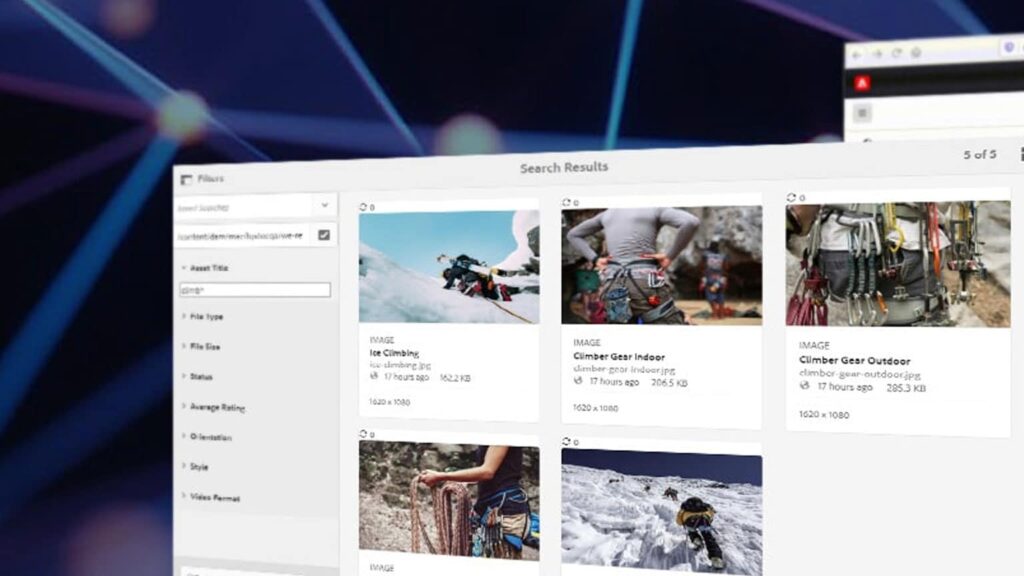
AEM Assets allows customers to manage their digital assets for e.g., images, videos, documents, and audio clips in a web-based repository. It includes Metadata-support, Renditions, Digital Asset Management Finder and AEM Assets Administration UI.
Most of the AEM Authors like to view their assets in List view compared to Column view and Card view. By default, AEM shows the assets in Card view. Through my experience in AEM, I had found an easy solution to make list view as a default view for assets.
Solution:
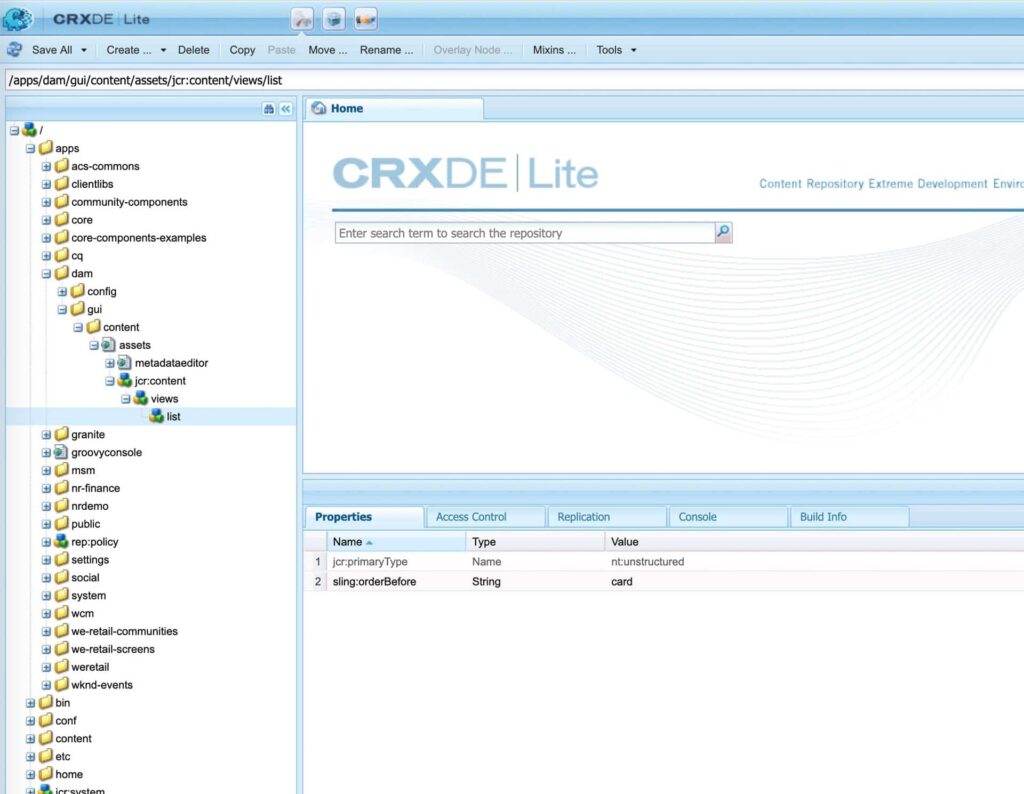
- Overlay the /libs/dam/gui/content/assets/jcr:content/views/list and under /apps/dam/gui/content/assets/jcr:content/views/list
- Add a property sling:orderBefore to the list node , something like below
name: sling:orderBefore String card
- The XML looks something like this

- Click on Save All.
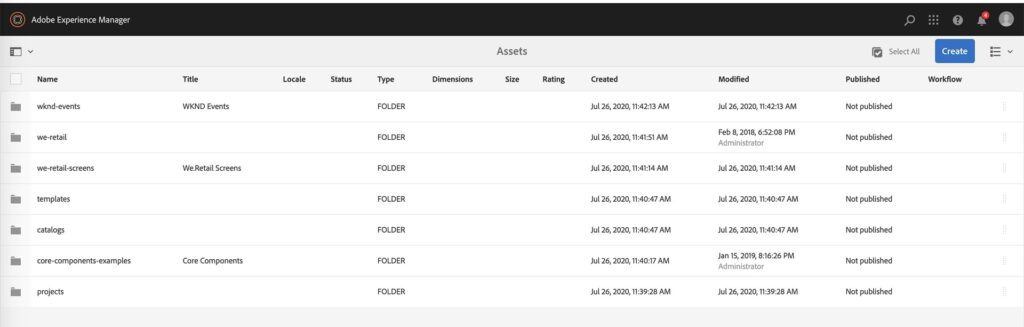
Although there are multiple ways you can customize views in assets, this is one the simplest way to achieve this. If you want more tips and tricks on AEM, please check our blog page.
Get In Touch
Driving business growth by transforming challenges into opportunities with innovative, tailored solutions that deliver measurable results.

We value your privacy
We use cookies to enhance your browsing experience, analyze our website traffic, and help us understand how you use our services. By clicking “Accept All,” you agree to our use of cookies.
Cookie Box Settings
Cookie Box Settings